Products FieldFlow
Field service for SAP Business One
From the service call to the paid invoice.
FieldFlow runs field service on SAP Business One: the office books the job, the dispatcher plans the day, the technician works it on a phone — online or off — and the invoice lands in B1 the moment the job is done. Now in early access.
The problem
Sound familiar?
- Jobs are scheduled in a spreadsheet the technicians never see.
- Parts used on site are written on paper and never reach the van stock.
- Invoices go out a week after the job, if the paperwork comes back at all.
- Return trips are nobody's fault, so nobody fixes them.
How it works
From one step to the next, inside SAP Business One
Who does what, and which B1 document each step creates or updates.
-
Office
Books the job from a template
Sales Order -
Dispatcher
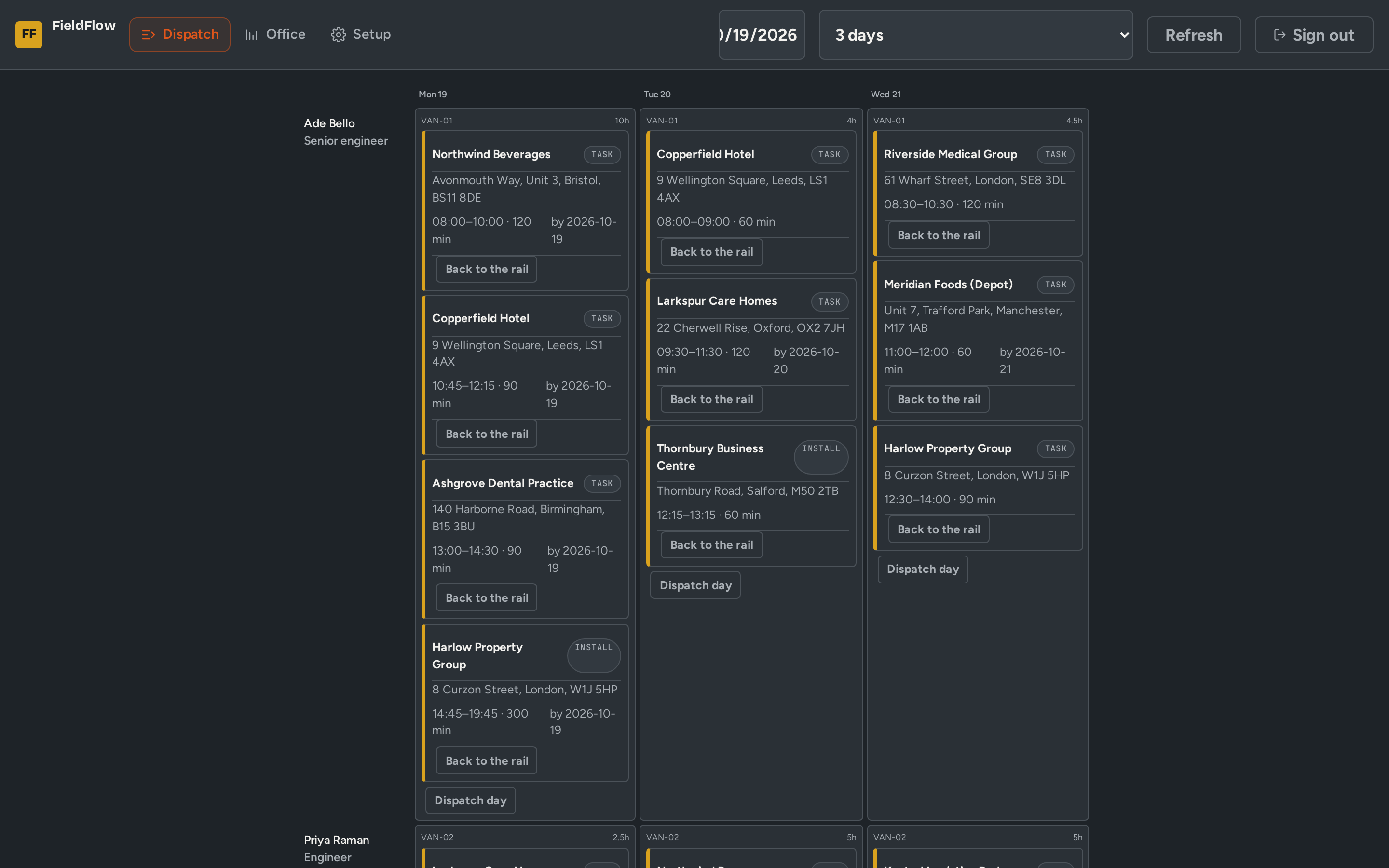
Drags jobs onto the technician-day board and dispatches the day
Dispatch board -
Technician
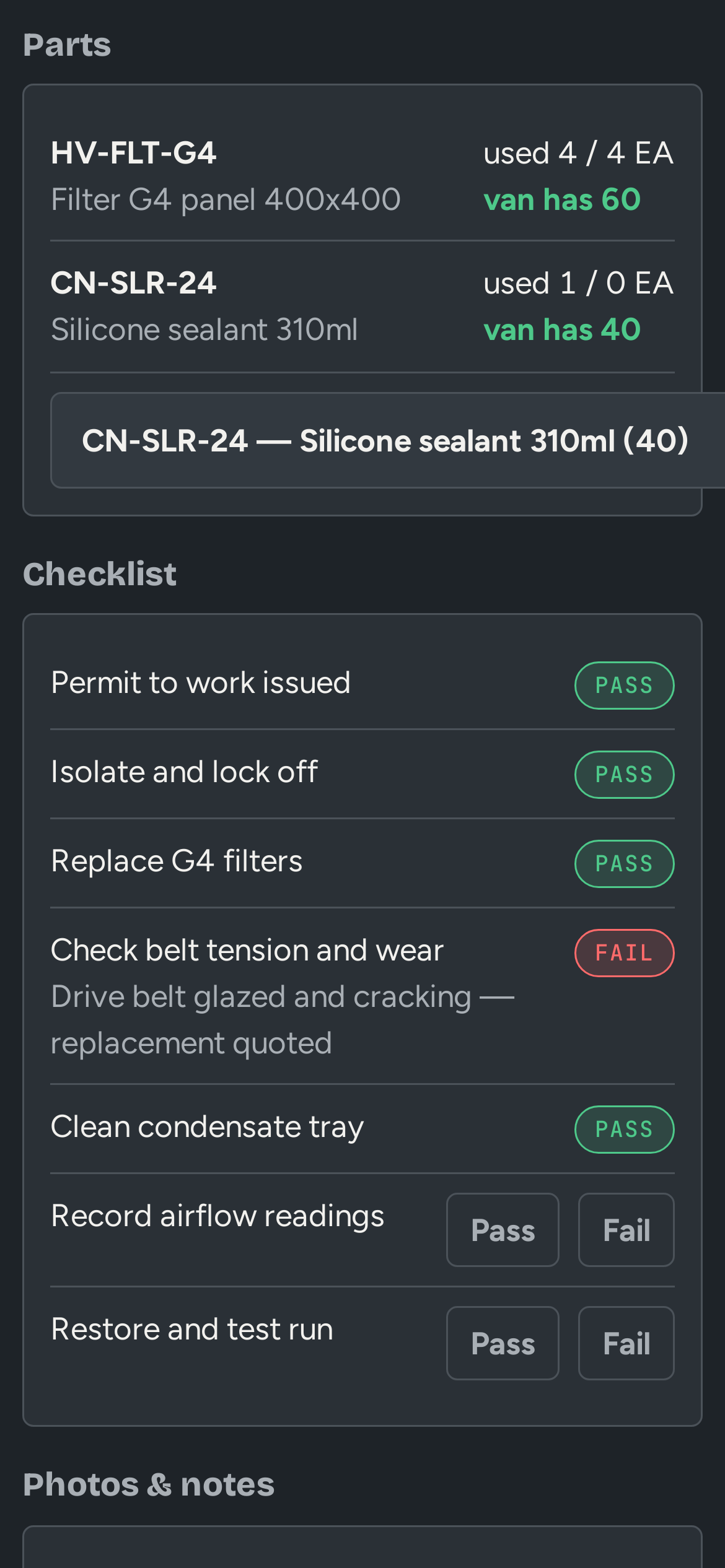
Works offline: time, parts from van stock, checklist, photos
Job card -
Customer
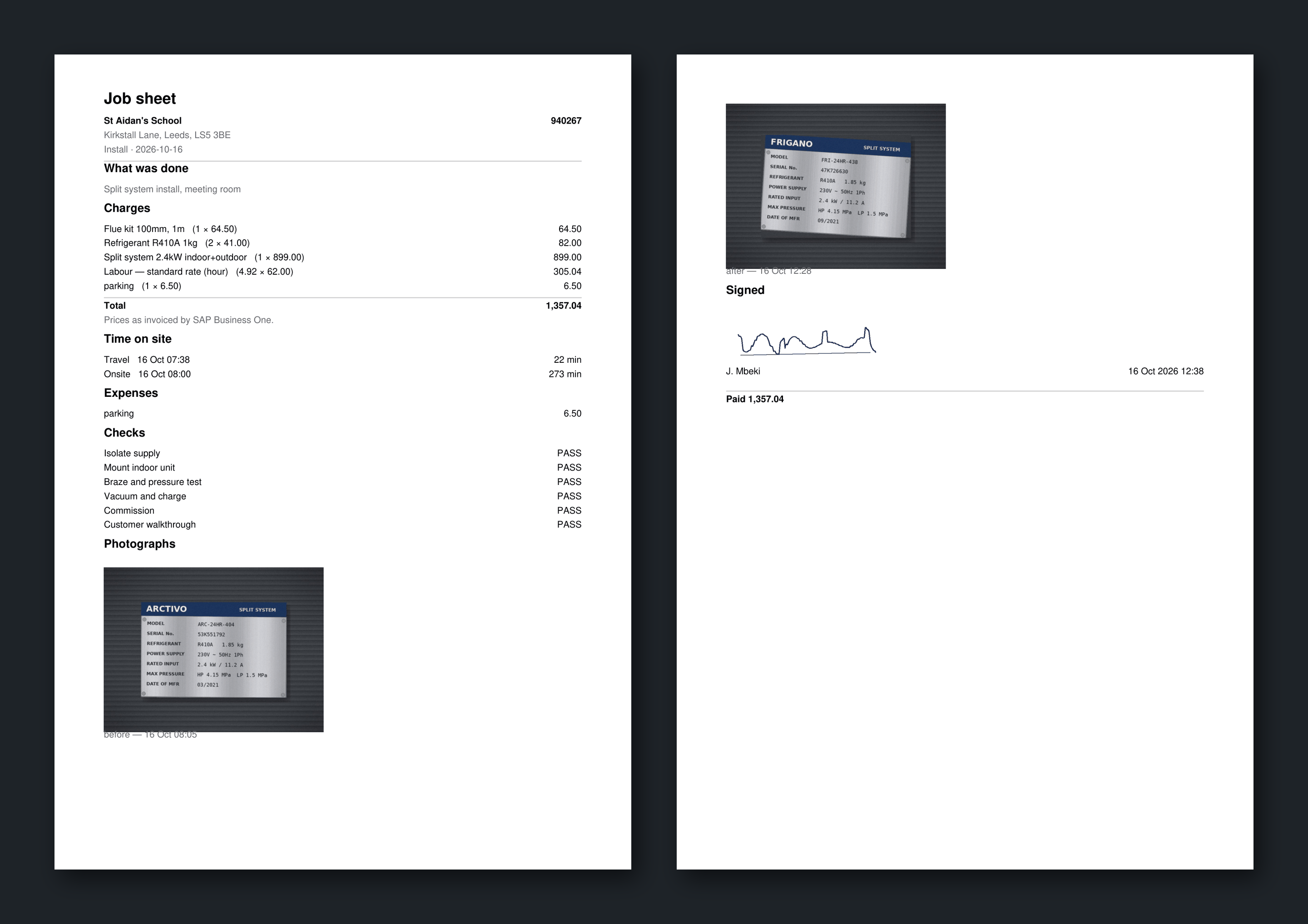
Signs on the technician's phone
Signature -
FieldFlow
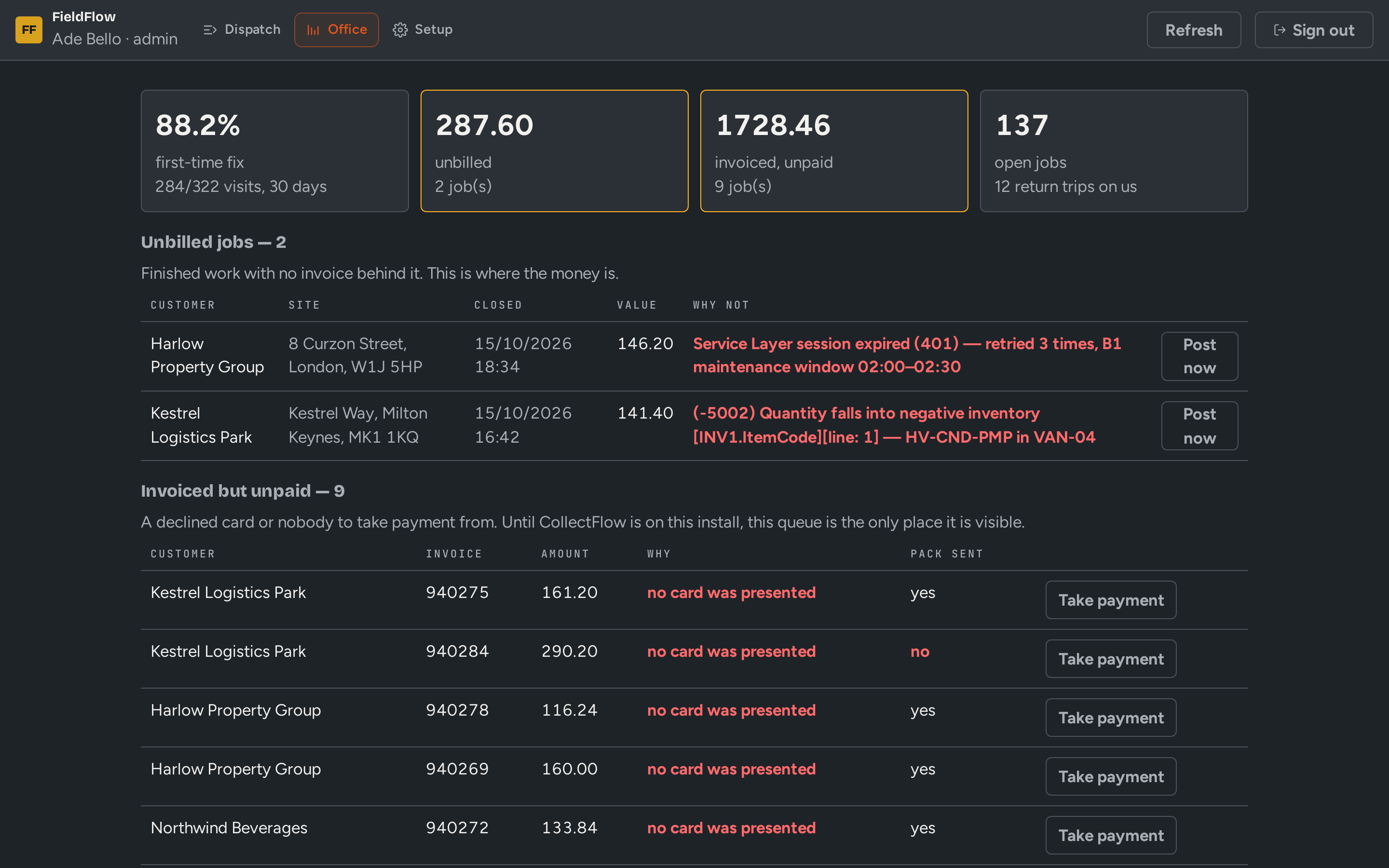
Posts the invoice and the parts used
A/R Invoice · Goods Issue -
FieldFlow
Books a follow-up visit when the job cannot be finished
Follow-up job
Business case
Put your own numbers in
Every figure below is editable. Defaults are illustrative; use yours.
What we design the rollout to move
The shape of change we aim for — not a guarantee, and not a quoted customer result.
- Order-to-cash cycle6.2days▼ from 11.4
Inside FieldFlow
What your team sees
Screens shown with demo data from fictional companies.
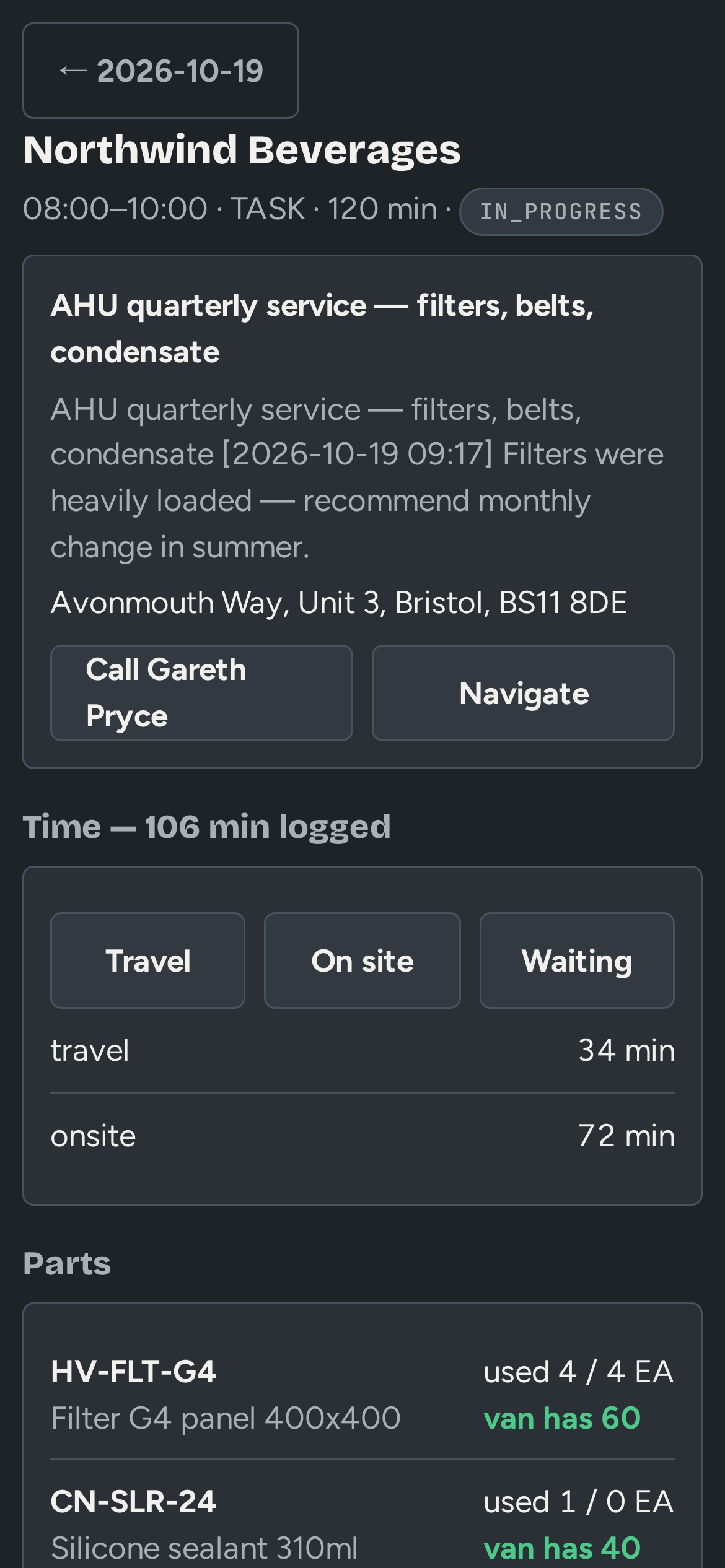
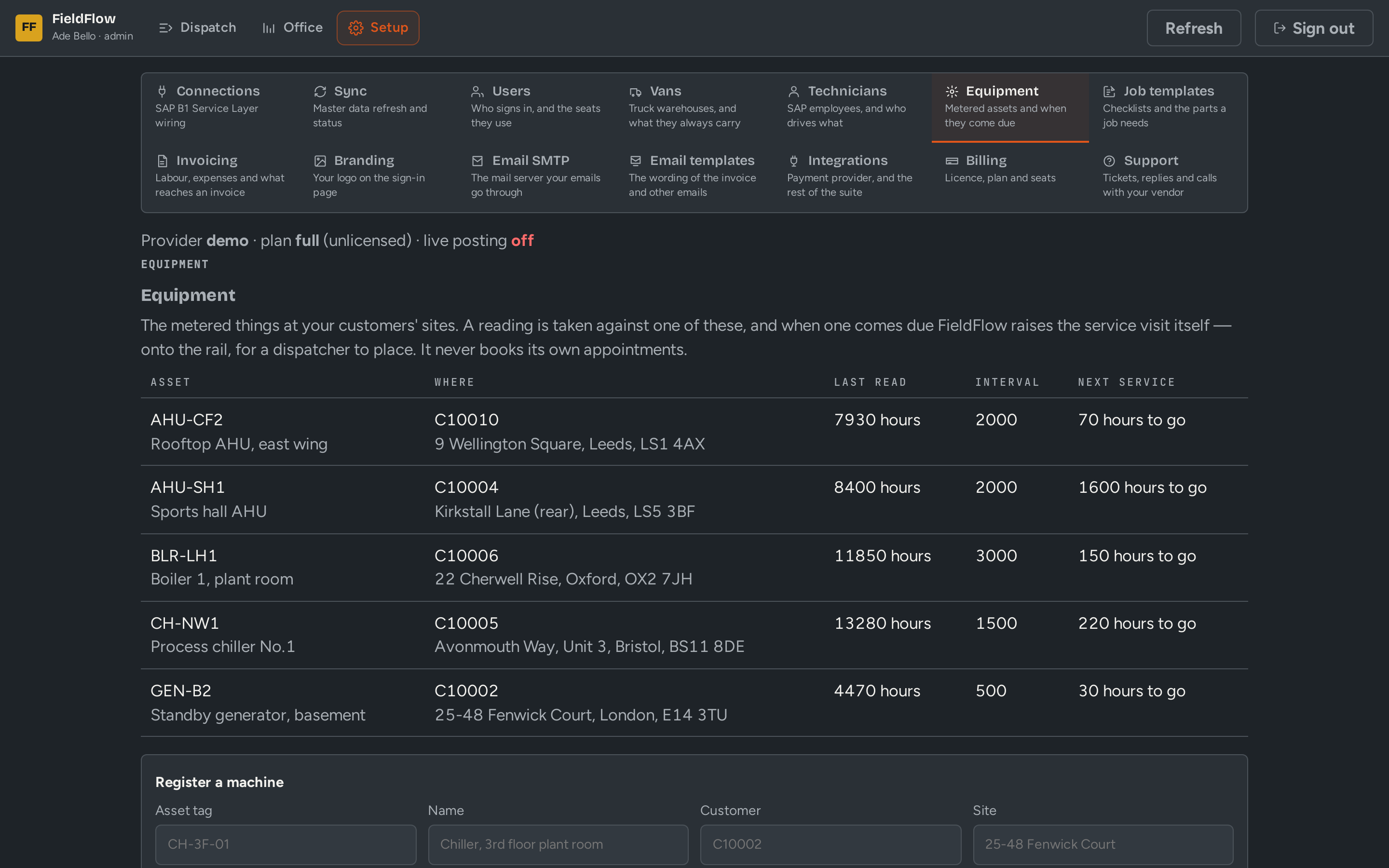
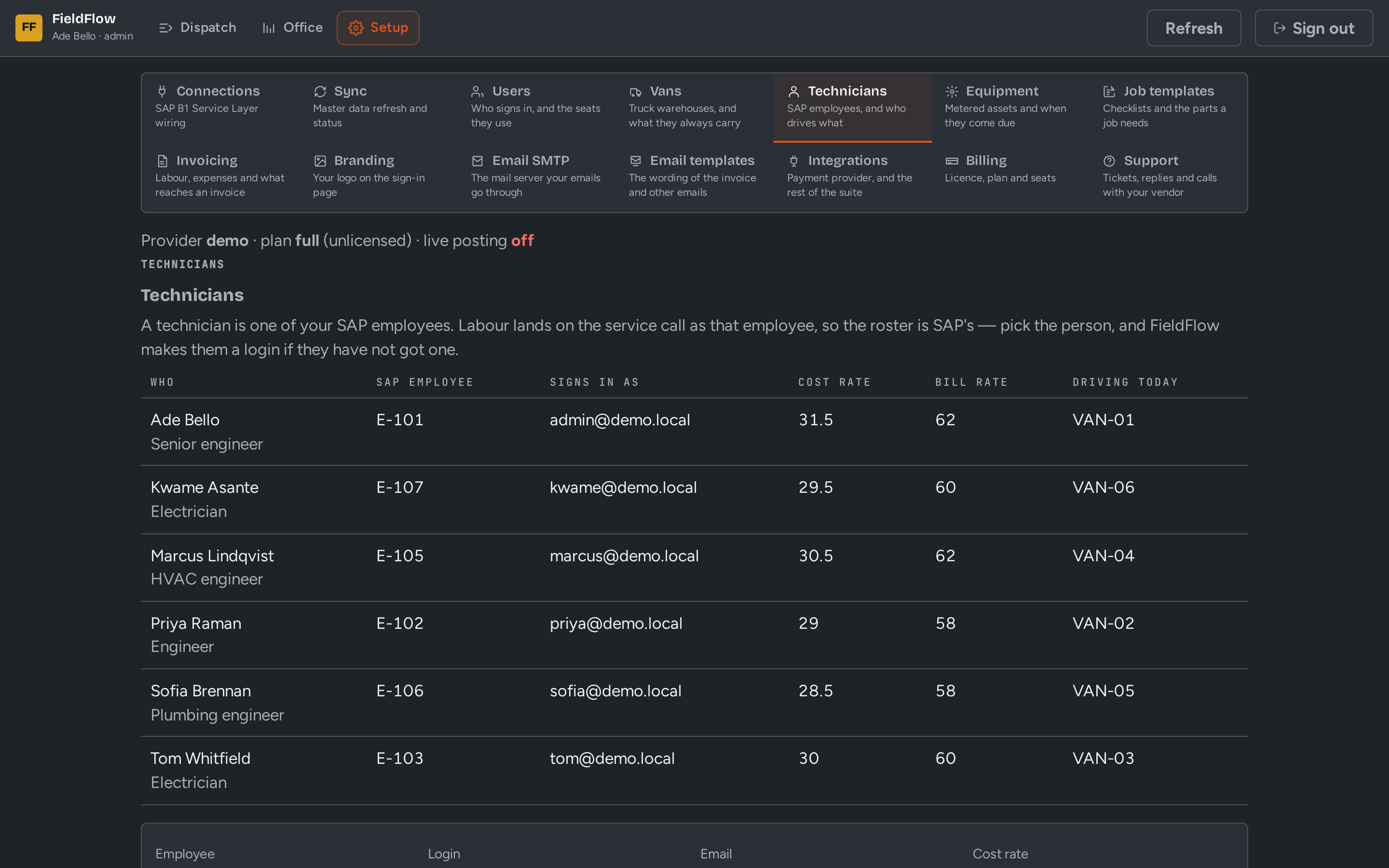
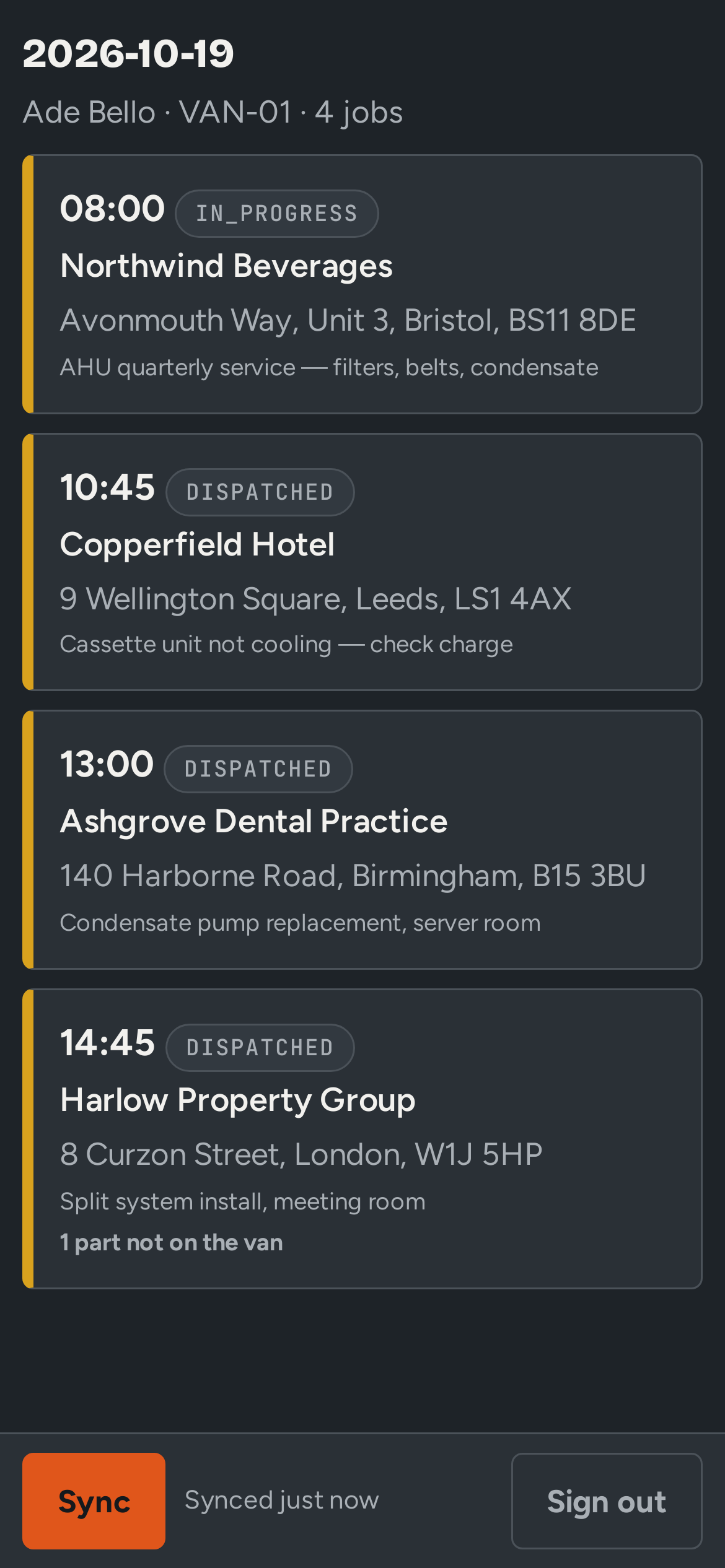
What you get
Built for B1, not bolted on
- Dispatch board by technician and day
- Offline-first technician app
- Van stock modeled as real B1 warehouses
- Checklists, photos, meter readings and signatures
- A/R Invoice posted to B1 on completion, with the invoice pack PDF
- Meter-based preventive maintenance
- Works with RentalFlow: service rental equipment between rentals or while it is out on rent
Who uses it
- Dispatchers
- Office staff
- Field technicians
Who it fits
HVAC and mechanical contractors, equipment installers and service companies, and anyone maintaining metered assets.
Next step
See FieldFlow on your own data
Thirty minutes, your process, your questions. We will show the workflow above running against a demo company.