Products StockFlow
Mobile-first warehouse management for SAP Business One
Real warehouse discipline, from any phone.
StockFlow runs your warehouse floor from handhelds and phones — receive, put away, pick, pack and count, with every scan checked against the bin. It is in pilot today, running the floor on its own stock records; live posting to SAP Business One documents is the next release.
The problem
Sound familiar?
- Stock in B1 says one thing and the shelf says another.
- Pickers walk the warehouse looking for the bin, and pick the wrong item.
- Rugged scanners are expensive, so half the team works from paper.
- Cycle counts happen once a year, during the audit.
How it works
From one step to the next, inside SAP Business One
Who does what, and which B1 document each step creates or updates.
-
Operator
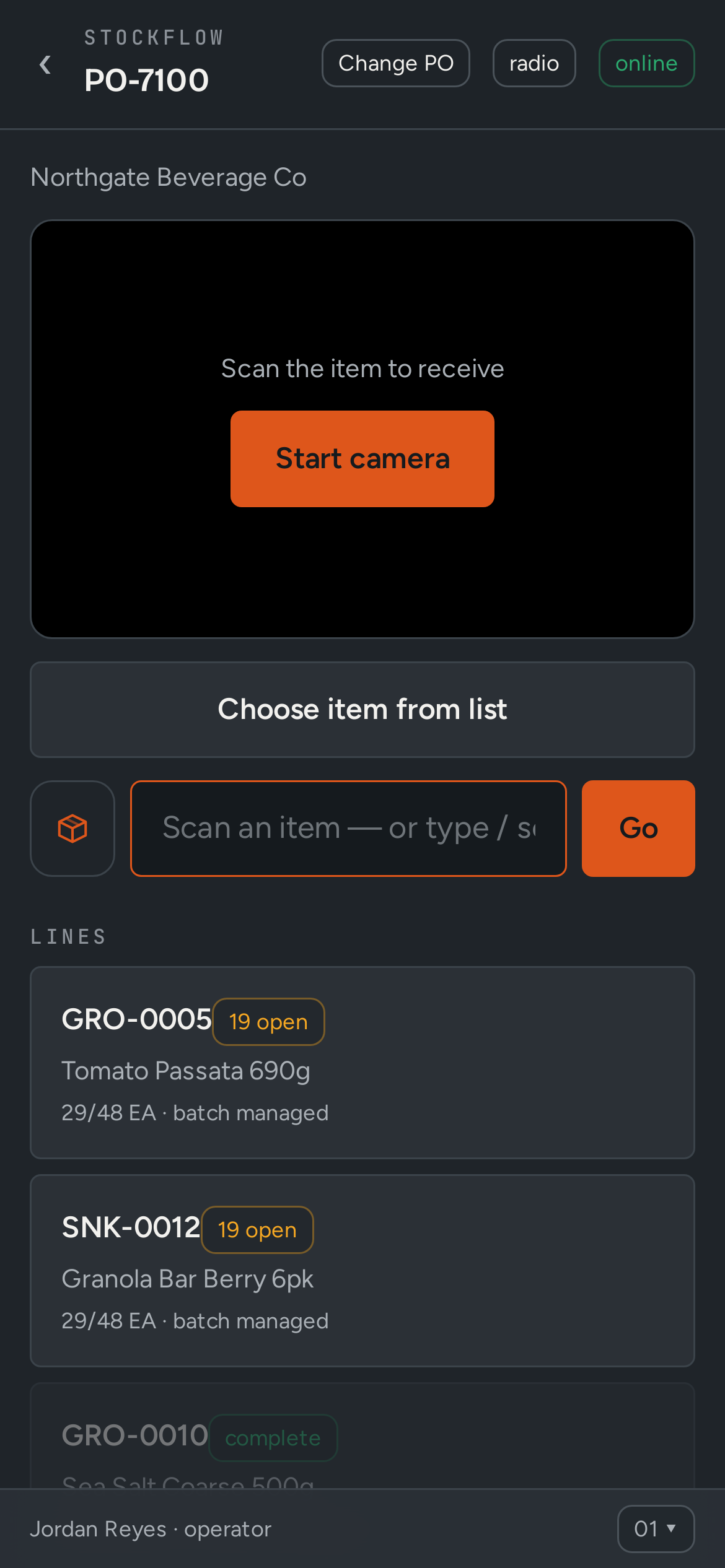
Scans the purchase order and books stock in
Goods receipt -
Operator
Scans the item and the destination bin
Put-away -
Supervisor
Releases a wave of orders to pick
Pick wave -
Picker
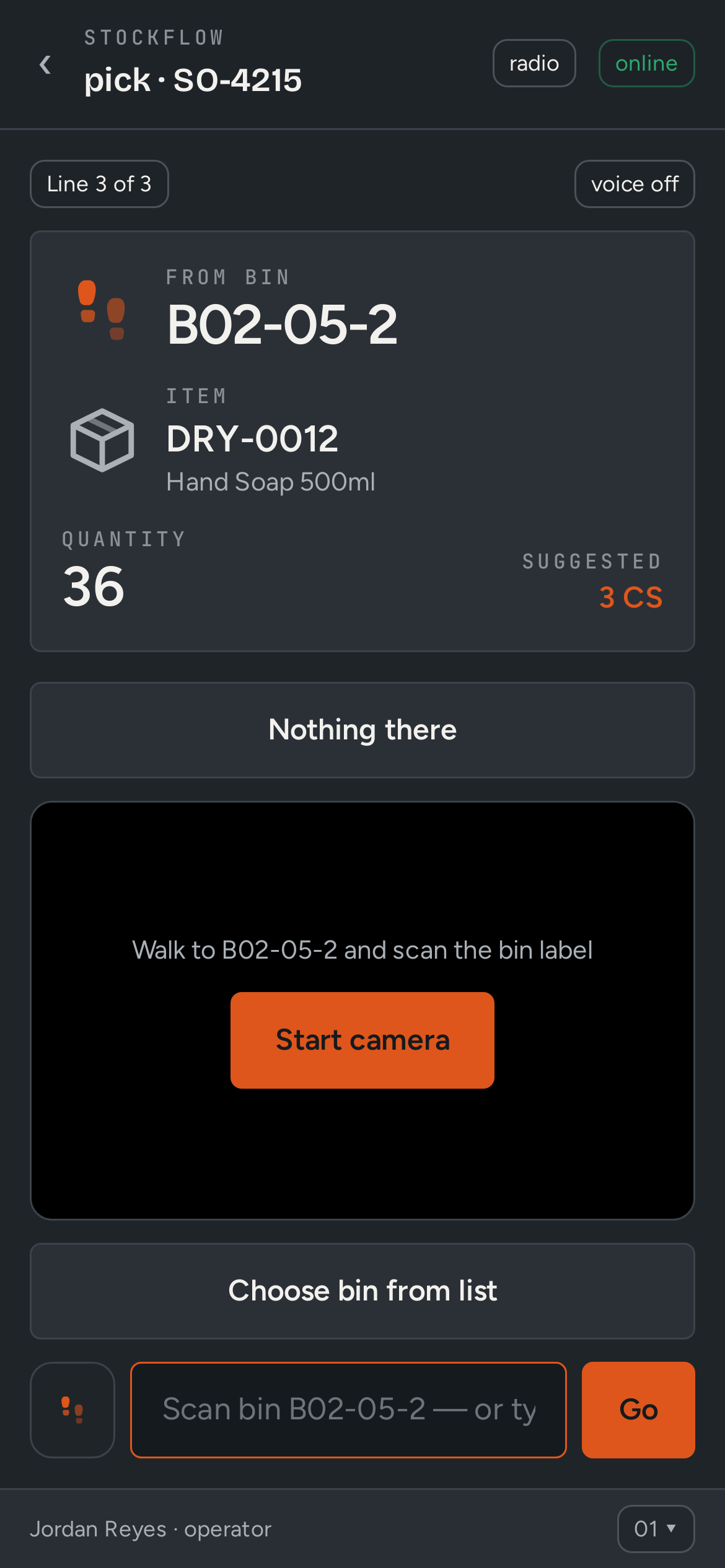
Picks from the bin with a scan check on every line
Pick list -
Packer
Packs out with GS1 SSCC labels, ready for the carrier or RouteFlow
SSCC pallet -
Operator
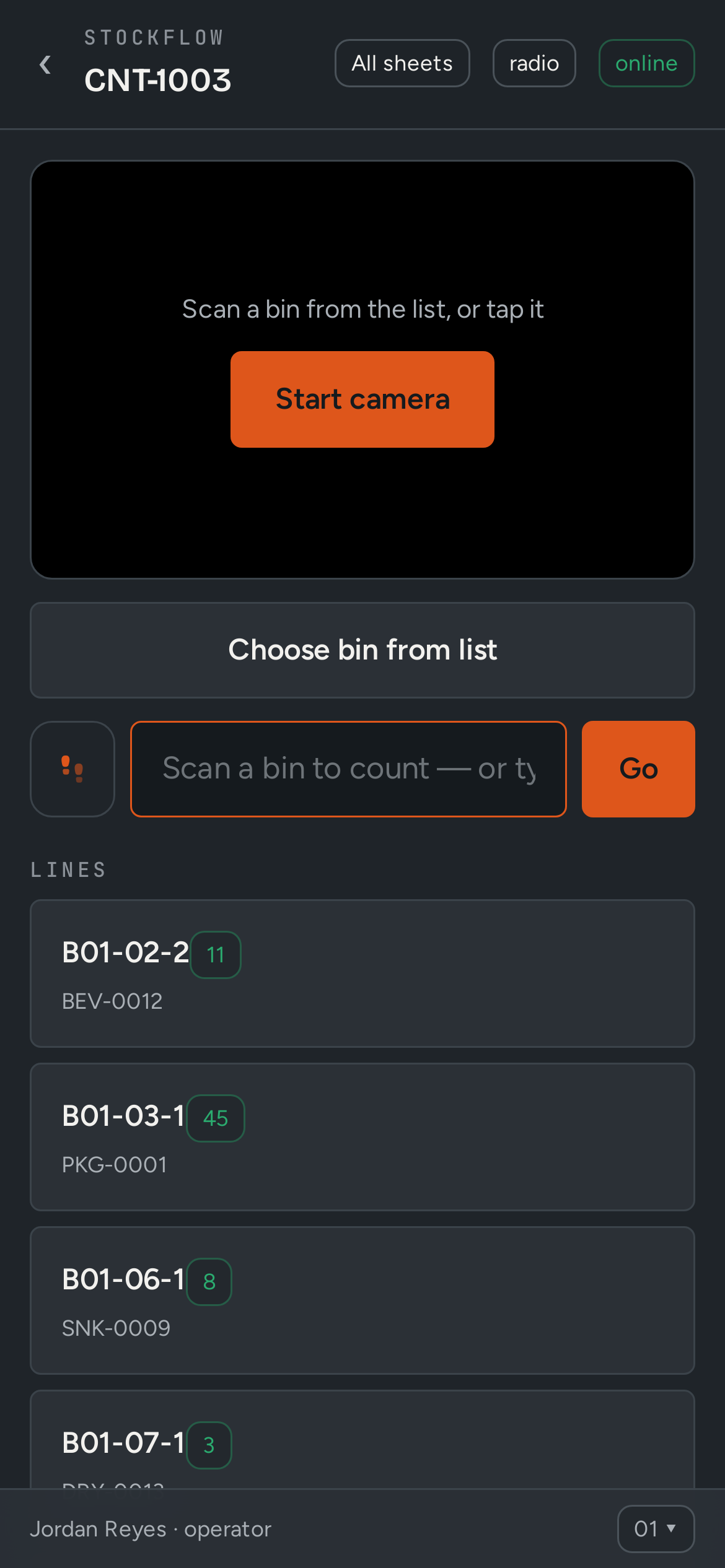
Counts bins on a schedule or on demand
Cycle count -
Next release
Every movement posts to its SAP B1 document
Goods Receipt PO · Inventory Transfer
Business case
Put your own numbers in
Every figure below is editable. Defaults are illustrative; use yours.
What we design the rollout to move
The shape of change we aim for — not a guarantee, and not a quoted customer result.
- Inventory accuracy99.3%▲ from 92.4
Inside StockFlow
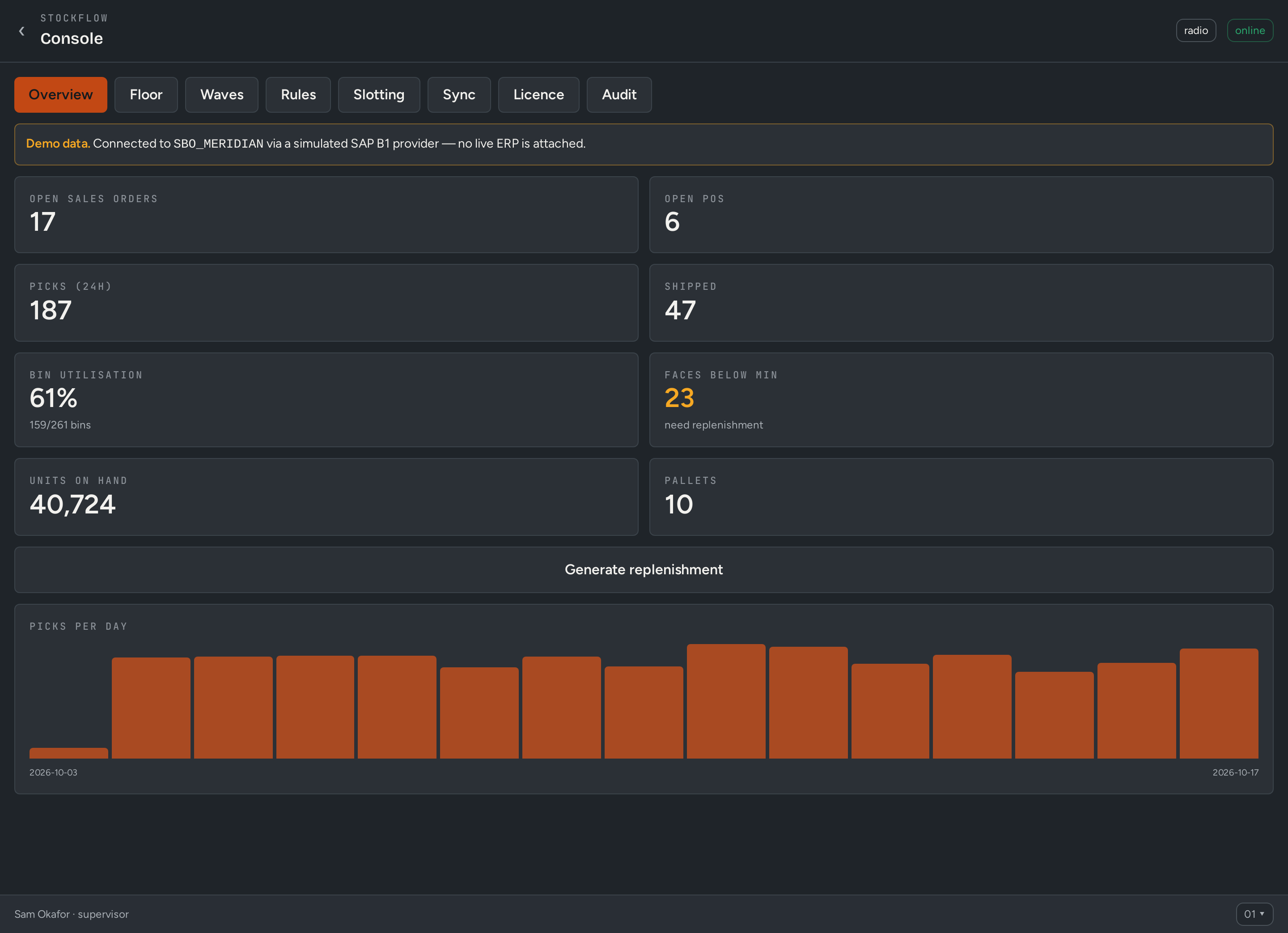
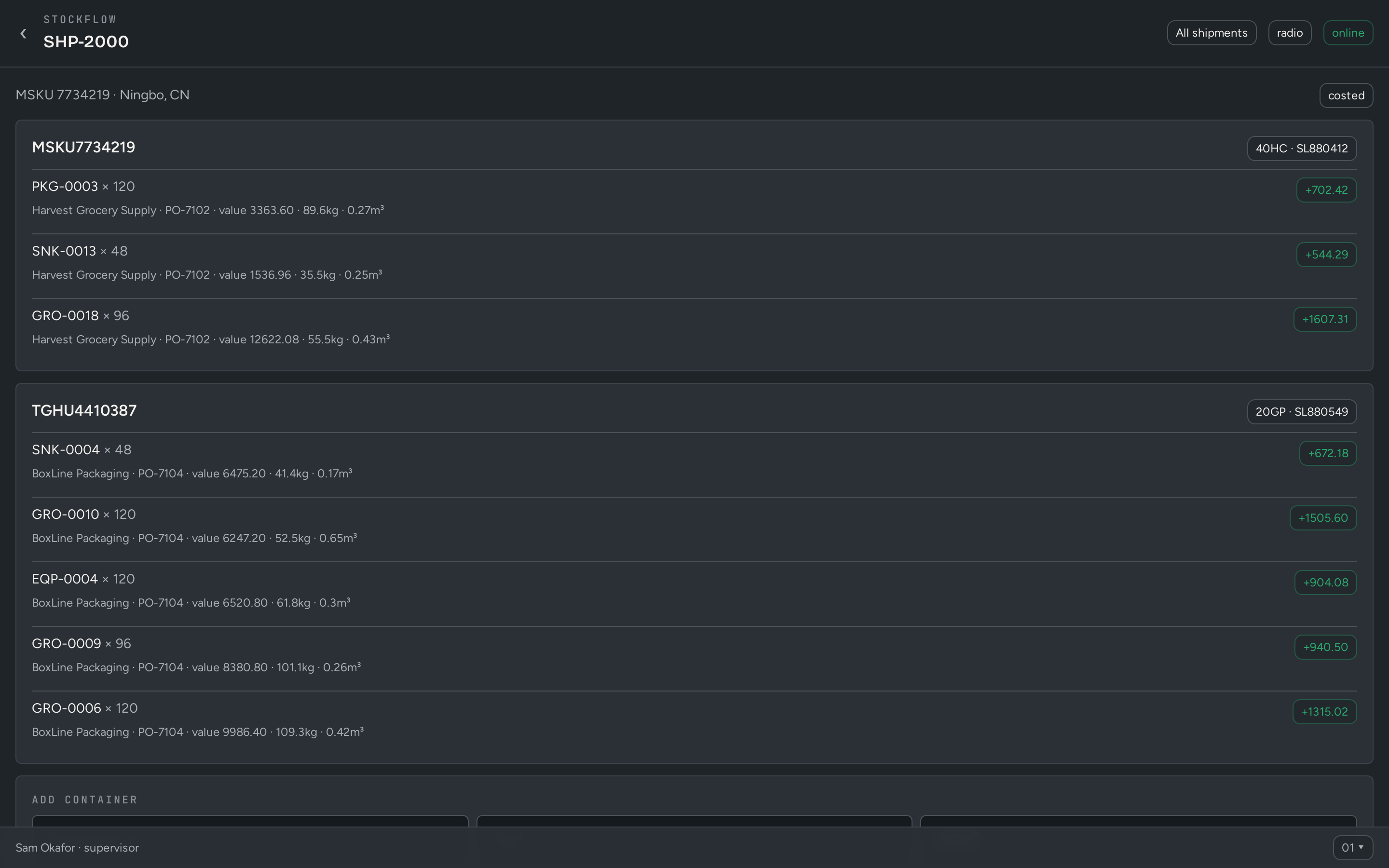
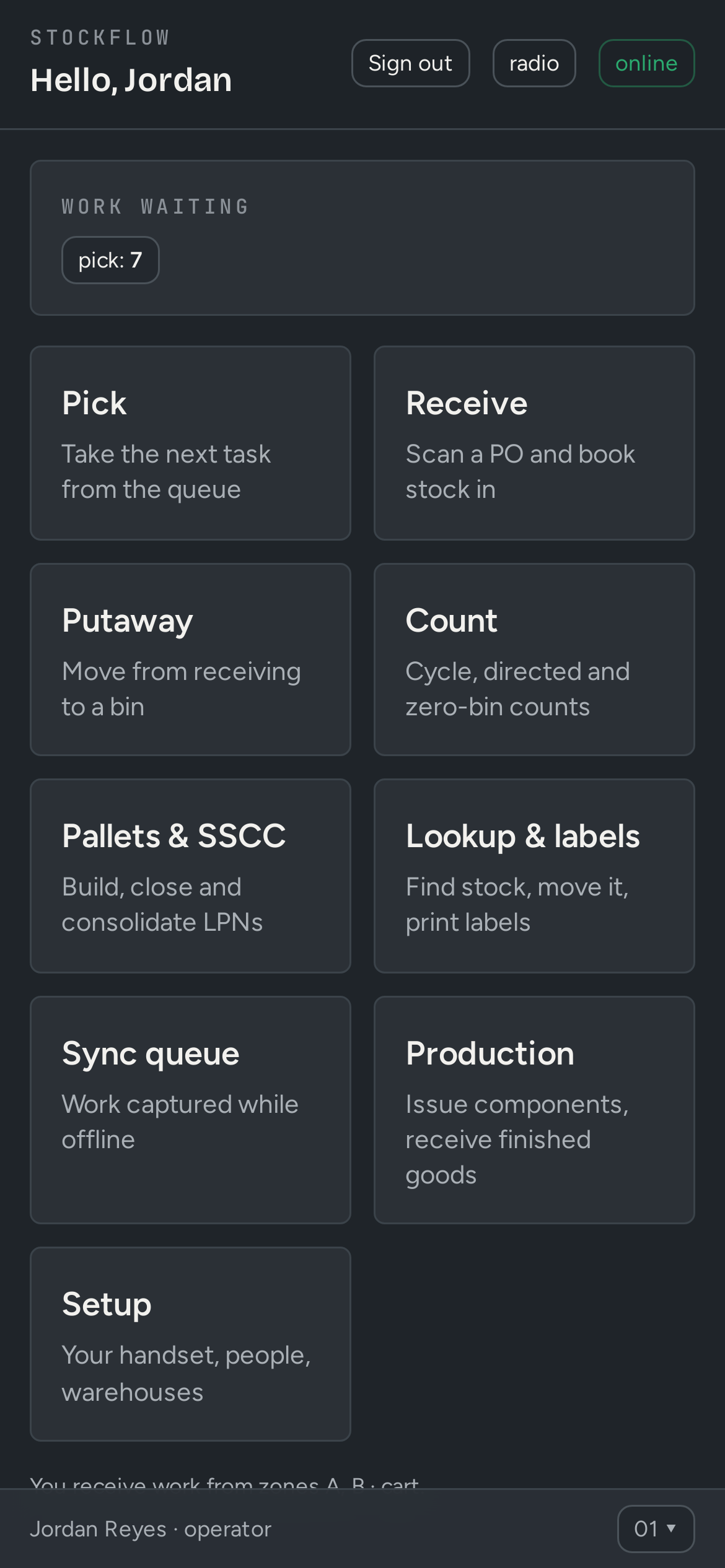
What your team sees
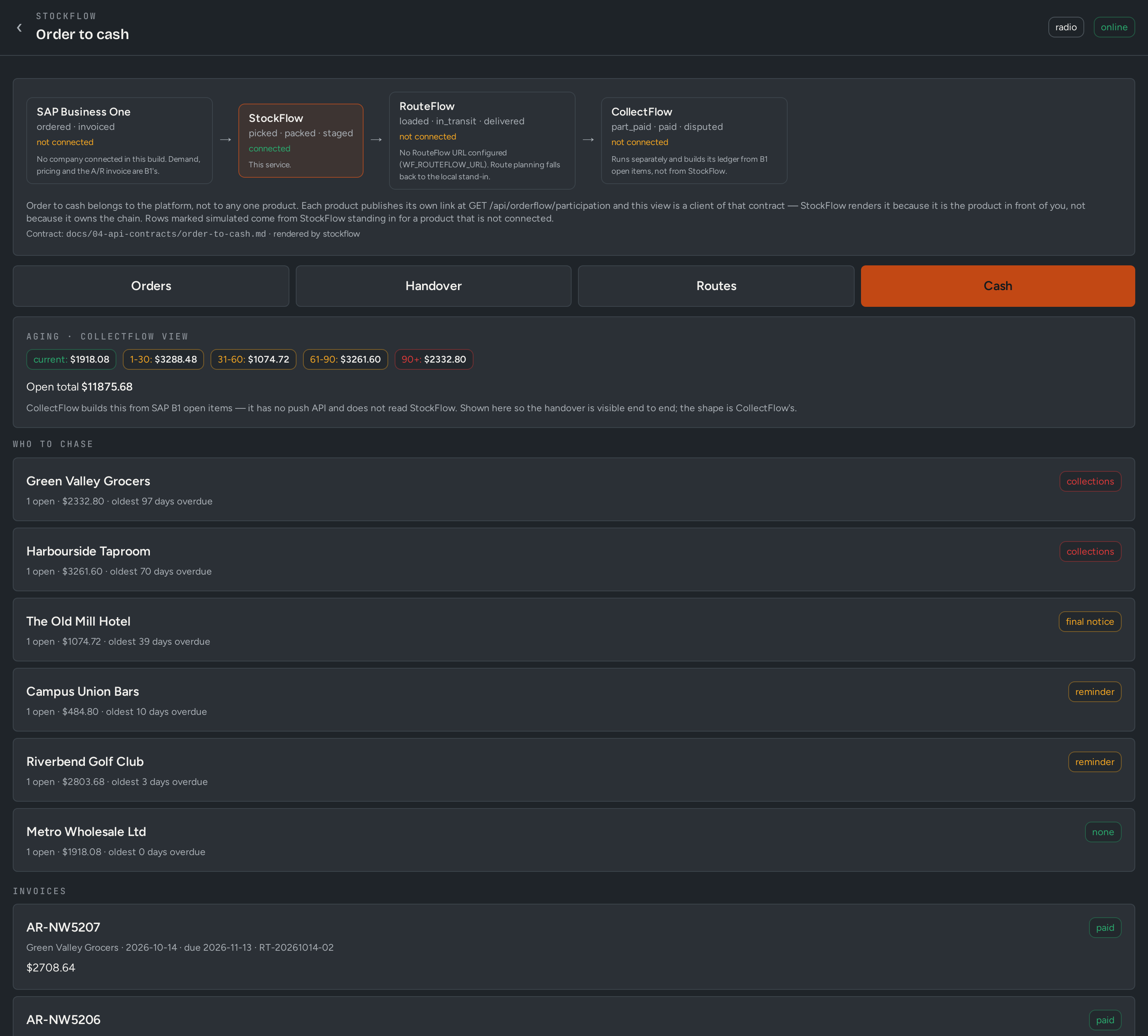
Screens shown with demo data from fictional companies.
What you get
Built for B1, not bolted on
- Barcode scanning from any phone camera — no rugged hardware required
- Bins, license plates (LPN) and GS1 SSCC pack-out
- Directed put-away, wave picking and replenishment
- Cycle and directed counts; counts and put-away work offline
- Badge sign-in and push-to-talk for the floor
- Order-to-cash view across StockFlow, RouteFlow and CollectFlow
Who uses it
- Warehouse operators
- Supervisors
- Inventory controllers
Who it fits
Distributors, food and beverage (batch-tracked), manufacturers issuing to production, and importers receiving containers.
Next step
See StockFlow on your own data
Thirty minutes, your process, your questions. We will show the workflow above running against a demo company.